01
Consolidated performance insight
Store performance, products needing attention and task progress in one place. Open the page and see where your time matters most.

Features
Review Amazon listing content alongside sales, ads, profit and inventory. Check the evidence behind each issue and track suggested improvements.
Have an account? Sign inStart with your first view of the day
Filter products by risk, information status and owner. Continue to diagnosis and tasks when you need a closer look.
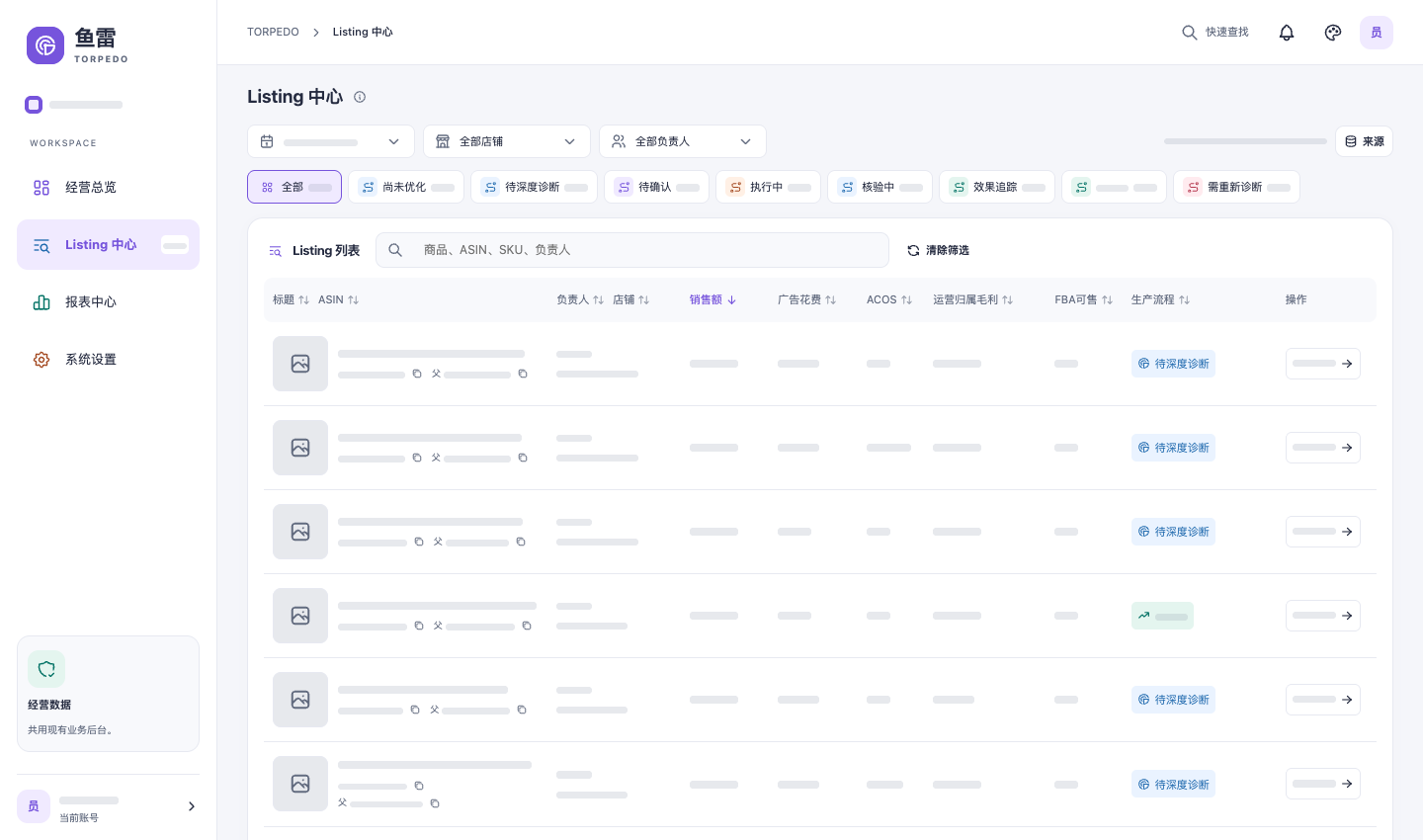
Filter by risk and owner first, then use information status and the data period to choose your next check.
Cover key operational stages
Every step follows the same product. Your team knows why to act, who will do it and how to verify the outcome.
Store performance, products needing attention and task progress in one place. Open the page and see where your time matters most.
Follow the same product through its listing, sales, ads and inventory. Recommendations stay linked to evidence so your team can decide.
Assign issues to the right person and keep a record of actions, checks and reviews. Pick up where you left off next time.
Find reports by information status and diagnosis progress. Open a product to check its page, business data and recommendations.
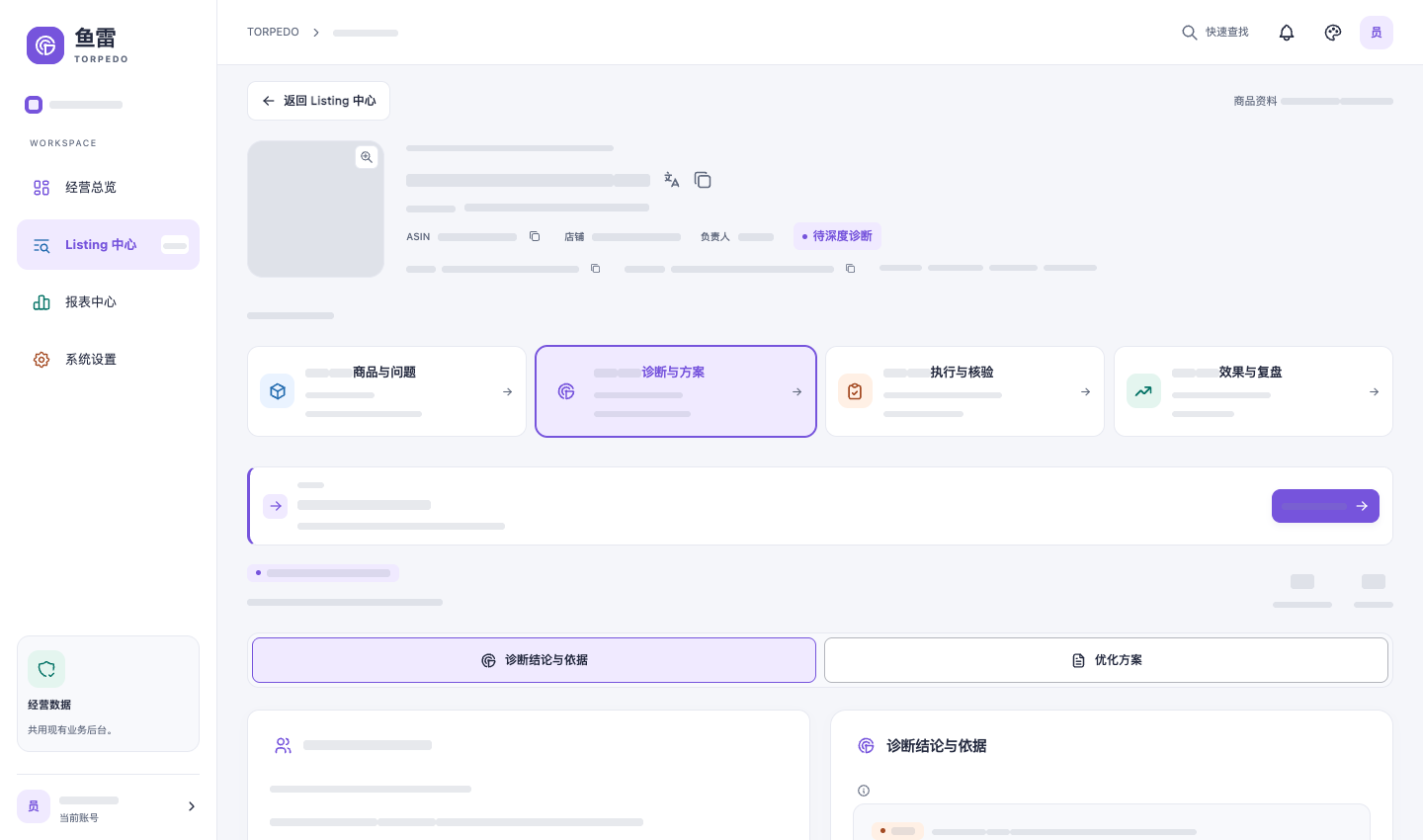
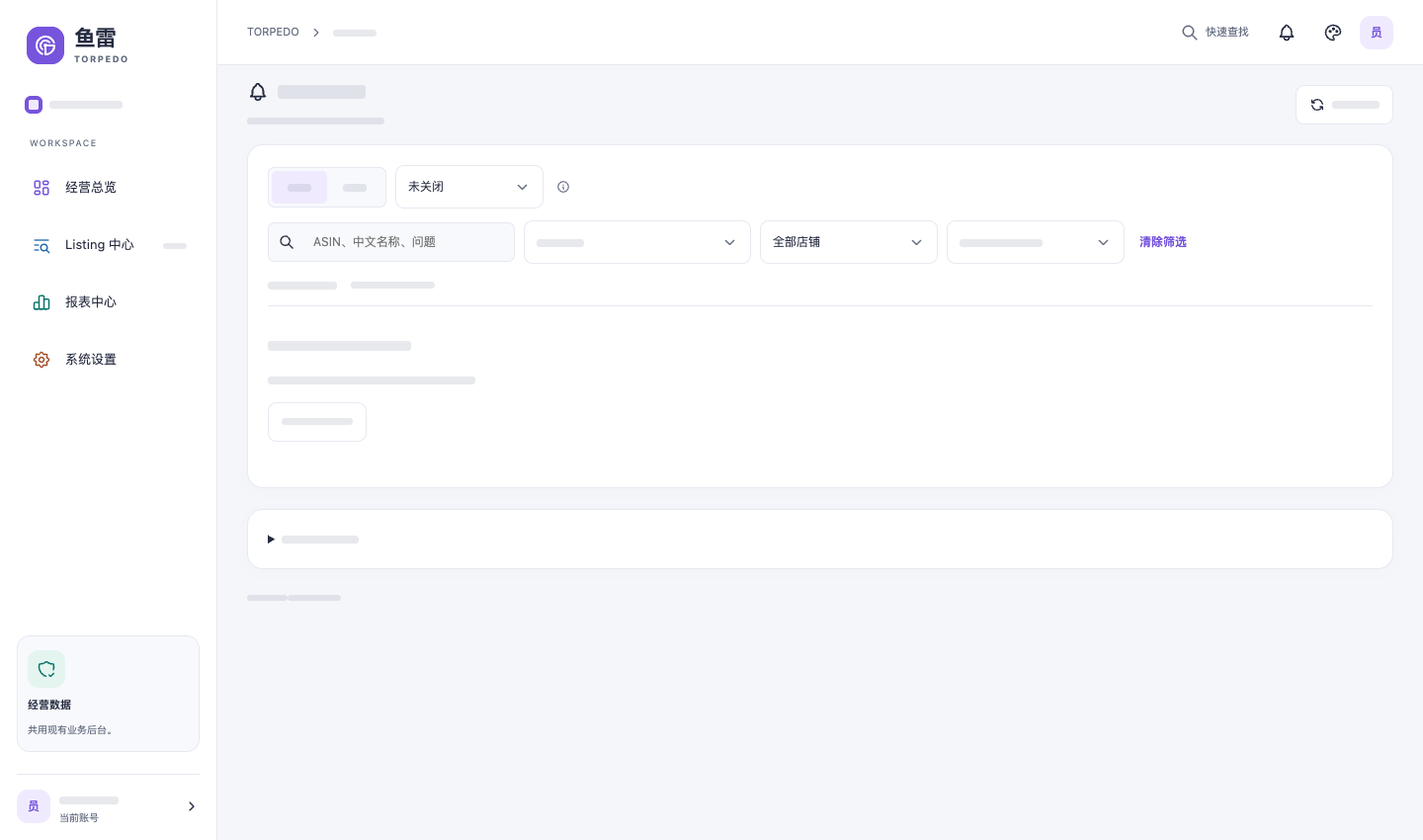
Assign work to the right owner and record actions and checks. At the next review, continue from the previous findings.
Make the next step clearer
Sign in with your business account to connect performance data, product diagnostics and work progress.
Sign in to your workspace